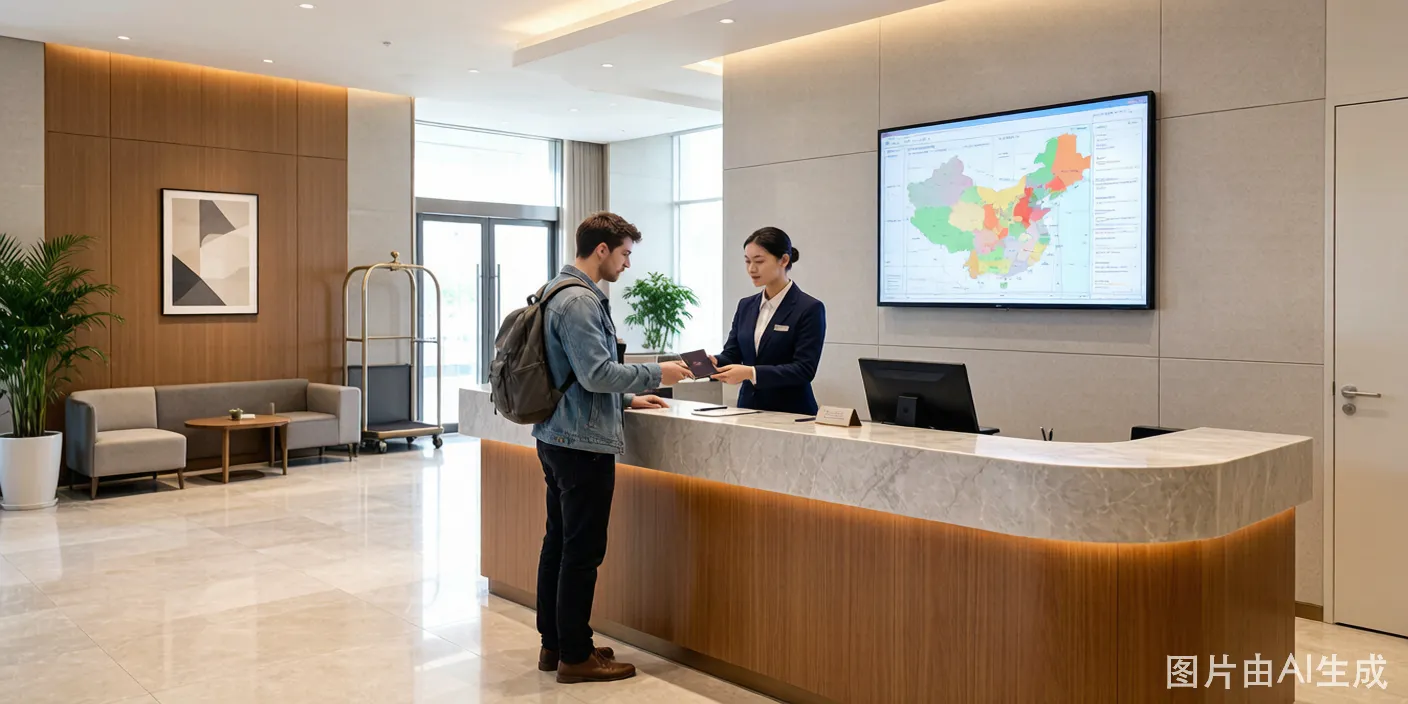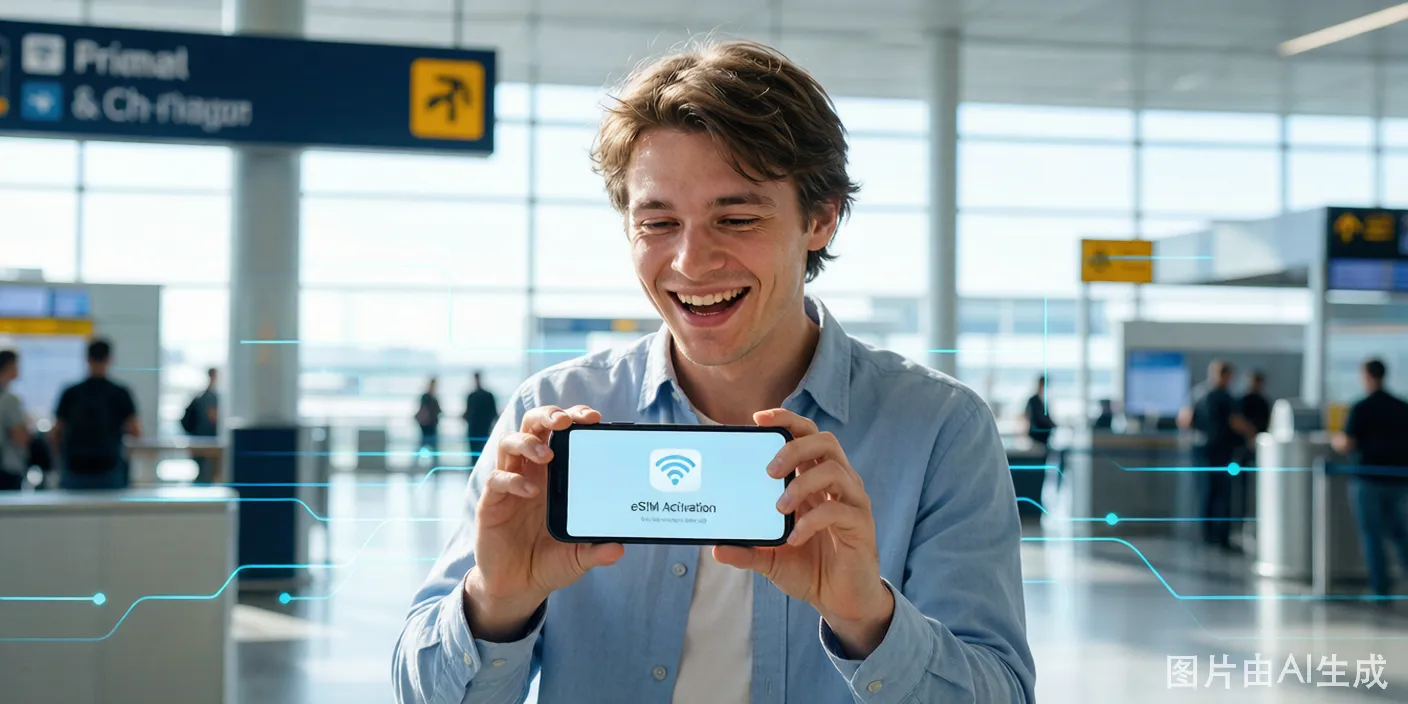
Getting a Chinese phone number within minutes of landing is possible at every major international airport. You walk out of customs, spot the carrier counters, hand over your passport, pay, and leave with a working SIM.
What the Counters Actually Look Like
Official carrier counters share a common look and feel. Here is what to look for:
- Brand colors are everywhere. China Mobile counters use green (their logo is green). China Unicom occupies red-paneled booths. China Telecom stations are blue. The brand name appears in large white letters on a colored header board.
- The counter is a desk, not a shop. These are service desks in the open arrival hall, usually 3-4 meters wide, staffed by 1-2 people in uniform. No glass windows, no security doors. You walk up directly.
- A price board sits on the counter — an A4 or A3 laminated card in a plastic stand, with prices printed in both Chinese and English. The top section shows data packages. The bottom section lists voice-and-data bundles. Numbers are in RMB (¥).
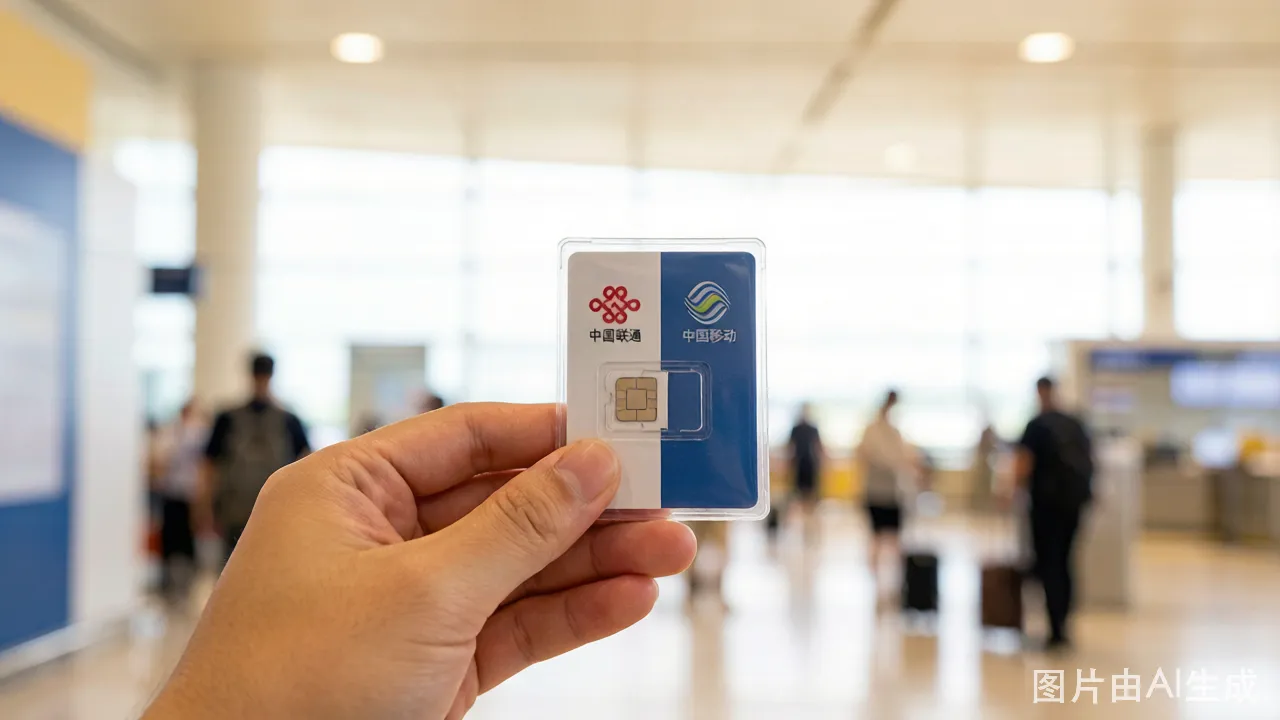
- Sample SIM cards sit in a clear plastic display case on the counter. The staff will pull out a new SIM card from a drawer under the desk.
- A small passport scanner (about the size of two stacked smartphones) sits next to the staff's computer monitor. They plug your passport into this scanner for the mandatory real-name registration.
Third-party resellers look different — avoid them. They use unmarked folding tables, printed paper signs that just say "SIM CARD" in English, and the staff wear no branded uniform. Their prices are 2-3 times higher and their plans are non-standard.
Counter Locations at Major Airports
Beijing Capital (PEK) — Terminal 3
PEK Terminal 3 handles all international flights. Clear customs at the Terminal 3-E arrival hall. Walk toward the exit signs.
- China Mobile: In the arrival hall, on your right as you face the exit doors. Next to the currency exchange (货币兑换) counter. Look for the green-branded desk with a white "China Mobile 中国移动" sign above.
- China Unicom: Next to China Mobile, same row. Red signage, "China Unicom 中国联通."
- China Telecom: Positioned closer to the exit doors on the left side. Blue branding, "China Telecom 中国电信."
The three counters sit within 20 meters of each other. You can compare prices by walking 30 seconds.
Shanghai Pudong (PVG) — Terminals 1 and 2
PVG has two international terminals. Both have counters.
Terminal 1:
- Clear customs on the Arrivals level (Level 1).
- Walk straight into the arrival hall. The China Mobile counter is directly ahead, roughly 40 meters from the exit doors, next to the airport information desk.
- China Unicom is 15 meters to the left of China Mobile.
- China Telecom sits across the hall, near the Starbucks.
Terminal 2:
- Customs exit leads into a large arrivals lobby on Level 2.
- All three carrier counters sit on the left side of the lobby as you face the exit doors. They are clustered together, with China Mobile closest to the exit lane, then China Unicom, then China Telecom.
- A row of ATMs (ICBC, Bank of China) is directly behind the carrier counters — withdraw cash first if you plan to pay in RMB.
Guangzhou Baiyun (CAN) — Terminals 1 and 2
Terminal 1:
- The international arrival hall is on Level 1 of the main terminal. After customs, walk toward the exit. Before you reach the automatic doors, look right.
- The carrier counters are between the customs exit and the arrivals greeting area. They are smaller than PEK and PVG — single-person desks rather than full-service counters.
Terminal 2:
- International arrivals exit onto Level 2. The arrival hall is newer and more spacious.
- China Mobile dominates with the largest desk — front and center as you exit the secure area.
- China Unicom sits behind the row of currency exchange counters.
- China Telecom has a small desk near the left exit corridor.
Other Airports
| Airport | Location Detail |
|---|---|
| Beijing Daxing (PKX) | Level 2 international arrivals, near the metro station entrance. All three carriers. |
| Chengdu Tianfu (TFU) | Terminal 1, Level 3 international arrivals. China Mobile and China Unicom only — no China Telecom as of mid-2026. |
| Shenzhen Bao'an (SZX) | Terminal 3, international arrivals. China Unicom has the largest desk. |
| Xi'an Xianyang (XIY) | Terminal 3. Only China Mobile and China Unicom. |
2026 Package Prices
These are the standard tourist packages you see on the price board at all three carriers. Prices increased slightly in 2026 compared to 2025.
China Mobile — 2026 Tourist SIM Prices
| Duration | Data | Voice Minutes | Price (RMB) | Notes |
|---|---|---|---|---|
| 7 days | 10 GB (5G) | 100 domestic | 80 RMB | Cheapest option for short trips |
| 7 days | 30 GB (5G) | 100 domestic | 110 RMB | Good for heavy data users |
| 15 days | 20 GB (5G) | 200 domestic | 130 RMB | Most popular package |
| 15 days | 50 GB (5G) | 200 domestic | 180 RMB | Heavy-use version |
| 30 days | 30 GB (5G) | 300 domestic | 180 RMB | Best value per day |
| 30 days | 60 GB (5G) | 300 domestic | 250 RMB | Unlimited at reduced speed after 60 GB |
China Unicom — 2026 Tourist SIM Prices
| Duration | Data | Voice Minutes | Price (RMB) | Notes |
|---|---|---|---|---|
| 7 days | 10 GB (5G) | 100 domestic | 80 RMB | Same as China Mobile |
| 7 days | 20 GB (5G) | 100 domestic | 100 RMB | — |
| 15 days | 20 GB (5G) | 200 domestic | 120 RMB | Cheaper 15-day option |
| 15 days | 40 GB (5G) | 200 domestic | 160 RMB | — |
| 30 days | 40 GB (5G) | 300 domestic | 200 RMB | — |
China Telecom — 2026 Tourist SIM Prices
| Duration | Data | Voice Minutes | Price (RMB) | Notes |
|---|---|---|---|---|
| 7 days | 15 GB (5G) | 200 domestic | 100 RMB | Most data in 7-day tier |
| 15 days | 25 GB (5G) | 200 domestic | 150 RMB | — |
| 30 days | 50 GB (5G) | 300 domestic | 220 RMB | — |
All packages include 5G data (your phone needs to support China's 5G bands: n41, n78, n79). If your phone lacks China 5G bands, you get 4G LTE. The speed difference is noticeable — 4G in China delivers 30-80 Mbps; 5G delivers 200-600 Mbps in urban areas.
Data-only packages exist but are not displayed on the main price board. You have to ask for them. Say: "Data only, no voice minutes." They are 10-20 RMB cheaper than the equivalent voice+data package. The price board only advertises the bundles with voice minutes because the commission is higher on those.
How to Buy — Step by Step
Step 1: After Customs, Spot the Counters
Walk through the baggage claim area and customs. As you push through the customs exit doors, scan the arrival hall. The carrier counters sit within 50 meters of the exit — usually straight ahead or to the right.
Step 2: Choose a Carrier or Compare
You have a minute to decide. Here is the shortcut:
- Short trips (7-15 days): Any carrier. Prices are nearly identical at this duration. Walk to the counter with the shortest line.
- City-only trips: China Unicom or China Telecom. Their urban 5G coverage is slightly better than China Mobile in Shanghai and Guangzhou.
- Rural or remote areas: China Mobile. Its coverage map extends the furthest into rural provinces. If your trip includes Guizhou, Yunnan, Xinjiang, or Inner Mongolia, pick China Mobile.
- Minimum hassle: China Mobile at PEK and PVG. They process the most foreigners daily. Their staff completes a passport registration in 2-3 minutes. At smaller airports or less-practiced carriers, the same process takes 10 minutes.
Step 3: Tell the Clerk What You Want
The counter staff speak functional English for SIM card transactions. They know the words: "passport," "SIM card," "data," "days," and numbers. The exact phrase to use:
"I need a SIM card for [X] days, data and voice." or "I need a SIM card for [X] days, data only."
Point at the package on the price board simultaneously. This eliminates language confusion. The staff pulls up the corresponding plan on their computer.
If you need a second SIM for a spouse or travel partner, say: "Two SIM cards, same plan." The staff registers each passport separately.
Step 4: The Passport Registration Moment
This is where the process slows down. The staff needs to:
- Scan your passport. They place your passport information page face-down on the small scanner beside the computer. The scanner beeps and the staff's screen populates with your passport details.
- Verify the data. They check that the scanned name, passport number, and nationality match what the system auto-filled. If your passport has non-Latin script (Arabic, Cyrillic, etc.), the staff may type it manually.
- Take your photo. The staff's computer has a webcam on a bendable arm. They swing it toward you and say: "Look at camera." A photo is captured and attached to the registration record. This is not the same as the Alipay/WeChat face scan — there is no blinking or head-turning. Just a single snapshot.
- Wait for system approval. The registration uploads to the national real-name database. At PEK, PVG, and CAN, this takes 30 seconds to 1 minute during normal hours. At secondary airports or during weekends, it can take 3-5 minutes. You stand at the counter while the staff stares at a loading bar on their screen.
The staff never takes a photocopy of your passport. They scan it digitally. You keep possession of your passport the entire time.
The passport scan moment. Your passport rests on the scanner beside the monitor. The staff's webcam is pointed at you for the photo capture.
Step 5: Pay
Three payment methods work at all official carrier counters:
- Cash (RMB). The simplest. Go to an airport ATM before approaching the counter. All three airports have ATMs within 30 meters of the carrier desks.
- International credit/debit card. Visa and Mastercard work. The staff uses a standard POS terminal. Tap or insert. You may be asked to sign a paper receipt.
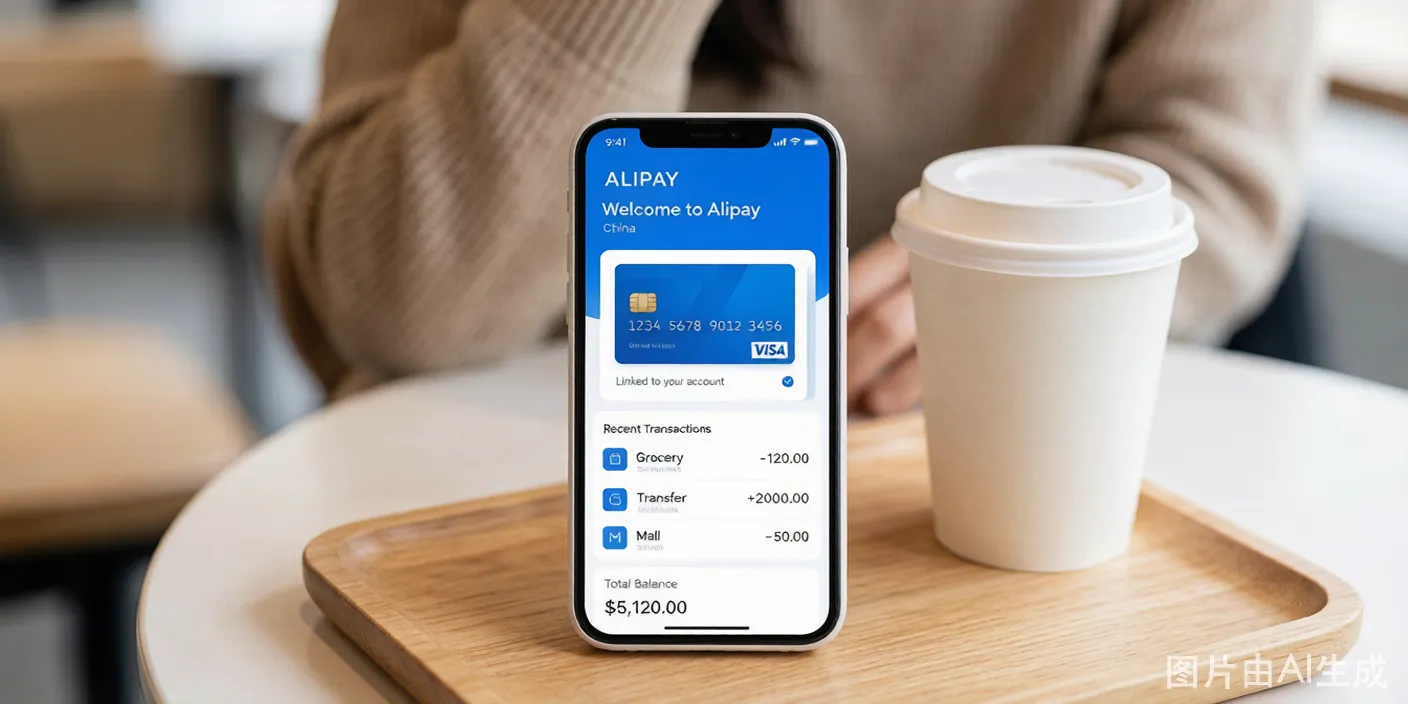
- Alipay/WeChat Pay. Only useful if you already set these up before landing (via eSIM or airport WiFi). If you are buying a SIM to enable Alipay/WeChat Pay setup, you cannot use them to pay — chicken-and-egg problem.
Amex, Diners, and Discover have lower acceptance on the POS terminals at carrier counters. Carry a Visa or Mastercard as backup.
Step 6: Test Before Leaving the Counter
Do not walk away until the SIM works. The staff expects you to test it. Here is the sequence:
- The staff removes your phone case (if needed), ejects the SIM tray with a pin tool, inserts the new SIM, and powers the phone back on.
- Within 10-20 seconds, the phone detects the network. Look for "China Mobile," "China Unicom," or "China Telecom" in the status bar, next to 4G or 5G icons.
- The staff opens a browser and navigates to a Chinese website (usually baidu.com) to confirm data connectivity. The page loads — you have internet.
- Take an extra step yourself. Open Google Maps or your email app. If either fails to load, the APN settings need adjustment. Tell the staff: "Google doesn't work — can you check the APN?" They know this issue. It takes 30 seconds to fix.
- Confirm the phone number. Ask the staff to write your Chinese phone number on the SIM card packaging or a notepad. The number starts with a 1 and is 11 digits. Photograph this number with your phone immediately.
- Make a test call. If you bought a voice plan, ask the staff to call their own desk phone to confirm outgoing calls work.
If anything fails here, the staff fixes it on the spot. Once you leave the counter, you are on your own. The downtown stores will not help you troubleshoot an airport-purchased SIM.
Step 7: Keep the Packaging
Take the SIM card packaging and the plastic card your SIM came punched out of. Your phone number is printed on both. You need this number for:
- Alipay and WeChat Pay registration
- Didi (ride-hailing) and Meituan (food delivery) account setup
- Food delivery apps that SMS-verify your number
- Hotel check-in forms that ask for a local contact number
Lose this number and you have to call customer service in Chinese to retrieve it.
eSIM Alternatives — The Data-Only Option
If you only need data and can skip the Chinese phone number, buy an eSIM before you fly. The trade-off is real:
What eSIM gives you:
- Zero time at the airport counter. Activate on landing.
- No passport registration. No photo taken.
- Prices similar to physical SIMs. A 15-day, 20 GB China eSIM costs roughly $15-25 USD from providers like Nomad, Airalo, or Holafly.
- Keep your home SIM active for calls and SMS. Both numbers work simultaneously on eSIM-compatible phones.
- Bypasses the Great Firewall (most travel eSIMs route data through Hong Kong or Singapore servers, so Google, Gmail, Instagram, WhatsApp work without a VPN).
What eSIM costs you:
- No Chinese phone number. This is the dealbreaker for most travelers. Without a Chinese number, you cannot:
- Register for Alipay or WeChat Pay with full functionality (you can register with a foreign number, but some verification flows expect a Chinese number as backup).
- Sign up for food delivery apps (Meituan, Ele.me require a Chinese phone number for SMS verification).
- Register for bike-sharing (Hellobike, Meituan Bike).
- Book train tickets on 12306 (the official railway app requires a Chinese number).
- Receive calls from hotels, restaurants, or local contacts.
- Your phone must support eSIM. iPhone XS/XR and newer, Pixel 3 and newer, recent Samsung Galaxy models. Older phones are SIM-card only.
Verdict: An eSIM works for pure tourists staying 7-10 days, using hotel WiFi, eating at restaurants, and visiting tourist sites. You navigate with Google Maps (works on travel eSIMs), message on WhatsApp, and post to Instagram. You do not need food delivery, ride-hailing, or local app registrations.
If you plan to stay longer, use ride-hailing, order food delivery, or register for any Chinese service — get the physical SIM. The phone number is non-negotiable.
Tips and Warnings
- Unlock your phone before your flight. Contact your carrier a week before departure and request a SIM unlock. A carrier-locked phone will have no service in China. Test with a friend's SIM from a different carrier before you leave.
- Carry a SIM tray ejector pin. Your flight kit might have one but airport staff rarely carry extras. A paperclip works.
- Your foreign SIM stays active. Keep it. Store it in the SIM ejector pin slot or in your wallet. You need it any time your bank sends an SMS verification code.
- Stick to the three official carriers. Avoid unmarked stalls or individuals offering "tourist SIM cards" in the arrival hall. These resellers charge 300-400 RMB for packages that cost 80-120 RMB at the official counter and their plans use throttled networks.
- If the airport counters are closed, they usually operate 06:00-23:00 at major airports. Arrivals after 23:00 at secondary airports (Xi'an, Chengdu, Shenzhen) may find no staff at the counter. Use airport WiFi until morning, or buy an eSIM as backup.
- Data runs out faster than you expect. Chinese apps are data-heavy. WeChat loads high-resolution images and videos automatically. Douyin (TikTok) and video streaming consume 1-2 GB per hour. A 20 GB package for 15 days gives you roughly 1.3 GB daily — enough for maps, messaging, and browsing, tight if you stream video. Buy a package with at least 50% more data than you estimate.
- Your phone number expires with the plan. The number deactivates the moment your package duration ends. You cannot top up a tourist SIM. You need a new SIM for a new trip. Downtown carrier stores sell long-term plans (monthly, with top-up) for visitors staying longer — ask for a "monthly plan, not tourist."