Foreign visitors can use Alipay across China without opening a Chinese bank account. The setup takes about 10 minutes, and once complete, you can pay at restaurants, shops, metro stations, and for ride-hailing and food delivery.
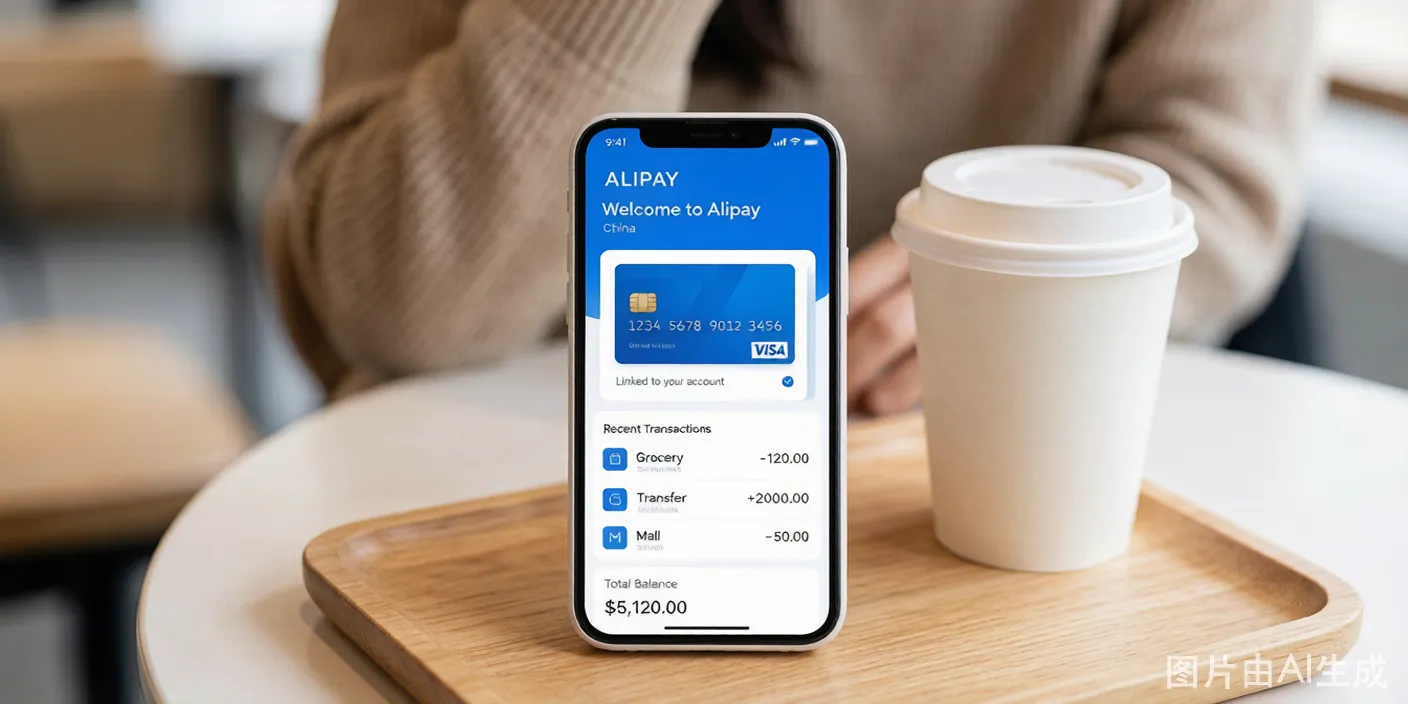
Key Facts Before You Start
- Service fee: Transactions under 200 RMB have no fee. Transactions of 200 RMB and above incur a 3% service fee.
- Transaction limits: Single transaction maximum is 3,000 RMB. Monthly cumulative limit is 50,000 RMB. Annual cumulative limit is 60,000 RMB. Unverified accounts have lower limits.
- Supported cards: Visa, Mastercard, JCB, American Express, Diners Club, Discover, and overseas UnionPay cards.
- What you cannot do: Send money to other individuals (peer-to-peer transfers), send or receive red envelopes, or access financial products. The account is for consumption payments only.
Switch to English Before You Start
Do this first. A Chinese interface will slow you down and you might tap the wrong thing.
- Open Alipay. If the app launches in Chinese, look at the bottom navigation bar.
- Tap the rightmost tab — the icon is a person silhouette with the label "Me" or "我的" in Chinese.
- On the Me page, find the gear icon in the top-right corner. That is Settings.
- Tap General (通用, the list item with a switch/toggle icon).
- Tap Language (语言).
- Select English. The app restarts in English immediately.
If you do not see English as an option, update the app from your app store first. Older versions shipped without English support.
Step-by-Step Guide
Step 1: Download and Register
- Go to your app store and download the Alipay app.
- Open the app. The home screen shows a blue search bar at the top, a row of service icons (Scan, Pay, Transport, etc.) below it, and a feed of promotions underneath.
- Tap Sign Up or Log In. If you have never used Alipay, tap Create Account.
- Select your country code from the dropdown, then enter your overseas mobile number. Do not use a Chinese number.
- Alipay sends a 6-digit SMS verification code. Enter it on the screen.
- Set a payment password: 6 digits, no repeating patterns like 123456 or 111111. You will use this to authorize every payment, so pick something you can remember quickly.
- After registration, confirm the interface is in English. If it shows Chinese, use the switch-English steps above.
The registration screen. Tap the country code dropdown at the top, enter your number in the field, then tap the blue "Next" button at the bottom.
Step 2: Complete Passport Real-Name Verification
Real-name verification is mandatory for foreign card binding. Without it, the Add Card option will be limited or unavailable.
- From the home screen, tap Me (bottom-right tab).
- On the Me page, you see your profile avatar at the top. Below it, a row of menu items: Bank Cards, Coupons, Ant Credit Pay, etc.
- Tap your profile avatar or name at the top of the Me page — this opens Account Settings.
- Tap Identity Verification. This takes you to the ID upload flow.
The identity verification home screen. Select nationality first from the dropdown, then upload your passport photo.
- Select your nationality from the dropdown list — the list is alphabetical in English.
- Enter your full name exactly as printed on your passport information page. If your passport says "JOHN MICHAEL SMITH-DOE", enter "JOHN MICHAEL SMITH-DOE". Hyphens, spaces, and middle names all matter.
- Enter your passport number — letters and digits, no spaces.
- Tap the camera icon to photograph your passport information page. Position the passport on a dark, flat surface in good light. The on-screen frame shows you where to align the passport. Hold your phone parallel to the page to avoid glare. Alipay auto-captures when the photo is clear.
The facial recognition screen. An oval frame appears on a dark background. Align your face within the oval. On-screen text reads "Position your face within the frame." A progress ring circles the oval. The screen flashes white when capture completes.
- The facial recognition screen appears next. Here is exactly what you see:
- A dark screen with a solid oval outline in the center.
- Text below the oval reads: "Position your face within the frame."
- When your face is detected, a blue progress ring traces around the oval.
- The ring completes one full circuit, the screen flashes white, and text changes to "Verification complete."
- Hold your phone at eye level, face the camera directly, and remove sunglasses and hats. No masks. The flash is bright — do not blink during it.
- Submit. You see a confirmation screen: "Verification submitted — under review." Wait for the in-app notification. Most approvals complete in 5-10 minutes during business hours (Beijing time 9:00-18:00). Outside those hours, wait until the next morning.
Step 3: Add Your Foreign Bank Card
- From the Me page, tap Bank Cards. An empty card slot with a "+" icon or an "Add Card" button appears at the top.
- The Add Card screen shows card network logos — Visa (blue and gold logo), Mastercard (red and yellow circles), JCB, Amex, and others.
- Tap your card type. The card entry form appears.
The card entry screen. Card number field at the top with the detected card network logo on the right. Expiry date and CVV fields below. Billing address fields at the bottom.
- Enter your 16-digit card number. Alipay detects the card network as you type and shows a small Visa or Mastercard logo to the right of the field.
- Enter the expiration date (MM/YY) and CVV (3 digits on back of Visa/MC, 4 digits on front of Amex).
- Enter your billing address exactly as your bank has it. Match the street address, city, postal code, and country from your bank statement. If your bank statement says "Flat 3B, 42 Elm Street" do not enter "Apartment 3B, 42 Elm Road." Even a comma difference has caused rejection.
- Tap Next or Confirm. The screen transitions to 3D Secure verification.
What happens if your bank blocks the first transaction:
Alipay sends a zero-amount authorization to your card to validate it. This triggers your bank's fraud detection. You might see one of these:
- The 3D Secure screen never loads. A spinning icon sits on a white screen for 30 seconds, then Alipay shows "Verification timeout — please try again." Your bank blocked the authorization without telling you. Call your bank. Tell them: "I am in China and adding my card to Alipay. Please whitelist Chinese merchant category codes."
- Your banking app shows a fraud alert. Open your bank app. Approve the pending transaction — it is for 0.00 RMB. Then return to Alipay and tap "Try Again."
- Alipay says "Card binding failed — contact your card issuer." Your bank rejected the verification outright. Call them. Ask them to enable cross-border online payments and remove the China block. Once they confirm, try again.
- SMS code never arrives. If your bank uses SMS 3D Secure and you are roaming on a new Chinese SIM: the SMS went to your home SIM, which you cannot receive. Switch your phone back to your home SIM briefly, request a new code, then switch back. Or use a dual-SIM phone.
After successful 3D Secure, Alipay shows a green checkmark with the text "Card added successfully." Your card appears in the Bank Cards list with the last four digits visible.
Step 4: Start Using Alipay
Your account is now ready. At any merchant:
- Open Alipay and tap Pay (the blue circle icon on the home screen). This shows your payment QR code. The merchant scans it with their scanner.
- To scan the merchant's QR code, tap Scan (the scanner icon at top-left on the home screen). Point your camera at the code. The app auto-detects and opens the payment screen.
- Enter the amount if prompted (some merchants pre-set the amount, others you type it yourself).
- Tap Pay Now. The screen shows the amount in RMB and the exchange rate in small text below.
- Enter your 6-digit payment password. The screen shows a numbered keypad.
- A green checkmark and "Payment successful" confirms the transaction. You receive an instant notification with the RMB amount.
Your linked foreign card is charged in RMB at the card network's exchange rate (Visa or Mastercard rate, plus any foreign transaction fee your bank applies — typically 1-3%).
Exact Error Messages and What They Mean
These are the exact error messages Alipay displays on the card binding screen. Knowing them saves you an hour of guessing.
| Error Message (exact text) | What It Means | What You Do |
|---|---|---|
| "This card type is not supported" | Your card network (Diners, Discover) is not accepted on this version of Alipay, OR your issuing bank has blocked China transactions | Switch to a Visa or Mastercard. If already using one, call your bank and say "enable international online transactions for China." |
| "Identity verification failed — information does not match" | Your name or passport number entry differs from your passport image | Delete and re-enter. Match your passport character-for-character. Check for extra spaces at the beginning or end. |
| "Verification timeout — please try again" | The 3D Secure screen never loaded because your bank blocked the zero-amount authorization request | Call your bank. Ask them to approve the pending Alipay authorization and remove the China fraud block. Try again after they confirm. |
| "Card binding failed — contact your card issuer" | Your bank rejected the verification outright. No 3D Secure prompt appeared at all. | Call your bank. Tell them: "I am adding my card to Alipay in China. I need cross-border online payments enabled and the China region unblocked." |
| "Verification pending" (shows for hours) | Your passport photo is under manual review — this happens outside Beijing business hours or during high volume | Wait up to 24 hours. Do not resubmit — that restarts the queue. If still pending after 24 hours, tap Contact Us in the app. |
| "Transaction declined — risk control" | You triggered Alipay's fraud detection. Common causes: paying a large amount (over 1,000 RMB) as your first transaction, or paying at a merchant category Alipay considers high-risk | Try a smaller transaction under 100 RMB at a chain store (FamilyMart, McDonald's). Wait 2 hours. Large first transactions look suspicious. |
| "Payment password incorrect — X attempts remaining" | You entered your 6-digit Alipay payment password wrong | After 5 wrong attempts, the account locks for 24 hours. If you forget the password, tap "Forgot Password" and reset via SMS — but this requires access to your registered mobile number. |
| "This function is not available for your account type" | You tried to send money to another person (peer-to-peer transfer) or send a red envelope — foreign-card-linked accounts cannot do this | This is a permanent restriction. There is no fix. Use cash or ask the recipient to generate a merchant payment QR code instead. |
Alipay TourCard — Backup Solution
If direct card binding keeps failing, Alipay offers the TourCard, a prepaid solution built into the app specifically for foreign visitors:
- Search for "TourCard" in the Alipay app or find it in the mini-program section.
- Register with your passport and overseas phone number.
- Top up the TourCard using your foreign bank card (Visa/Mastercard).
- Top-up amounts range from 100 RMB to 10,000 RMB per transaction, with a 5% service fee.
- The TourCard is valid for 180 days — unused balance is automatically refunded to your original payment method after expiration.
The TourCard has better compatibility with small vendors and street stalls that may not accept direct foreign card payments. The trade-off is the 5% fee compared to direct card binding's 3% fee (only on transactions above 200 RMB).
Tips for Smooth Use
- Keep your passport photo saved in your phone's gallery. If Alipay requests re-verification during your trip, you can quickly resubmit.
- Notify your bank before travel. Many banks auto-block transactions from China unless you pre-authorize international use. Call them and say: "I will be in China from [date] to [date]. Please whitelist Chinese merchant transactions on my card ending in [last four digits]."
- Carry a backup payment method. Some small shops, local wet markets, and older vendors only accept payments from Chinese bank accounts. Carry 200-300 RMB in cash for these situations.
- Check your exchange rate. Alipay itself does not add a markup on the exchange rate — the rate is set by your card network (Visa/Mastercard). Your bank may add its own foreign transaction fee (typically 1-3%), which is separate from Alipay's 3% service fee.
- Test with a 3 RMB purchase. Buy a bottle of water at a convenience store right after setup. A successful small transaction proves the entire chain works: your card, your bank, 3D Secure, and Alipay's processing. If it fails here, it would fail at a 500 RMB restaurant too — but you just lost 3 RMB instead of embarrassing yourself at checkout.
- Close and reopen the app if a payment stalls. If the scanner screen freezes or the payment screen shows a spinning icon for more than 10 seconds, force-quit Alipay (swipe it away), reopen, and try again. Persistent stalls mean your network connection dropped — switch from WiFi to mobile data or vice versa.