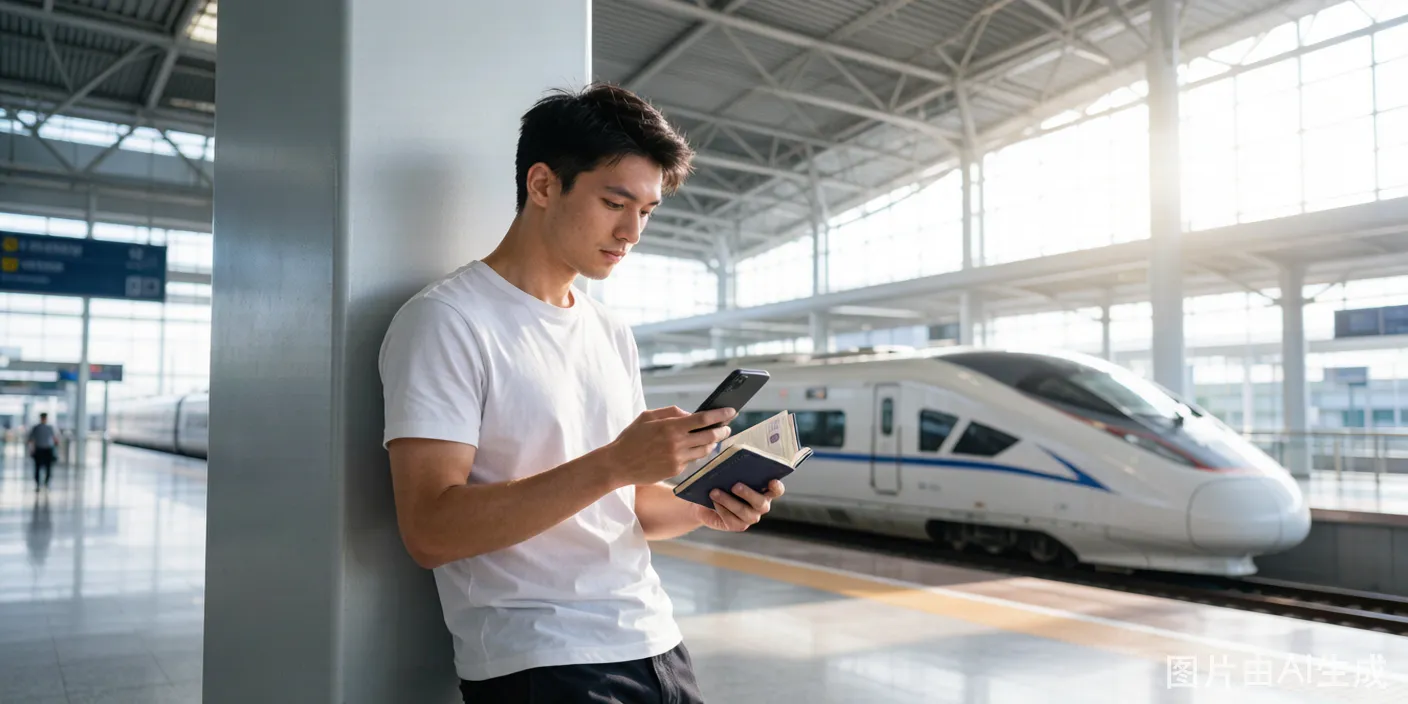
China's high-speed rail network connects every major city at speeds of 300 km/h. As a foreigner, you book tickets through the official 12306 platform using your passport. The initial setup takes 20-30 minutes. After verification, booking any future trip takes under two minutes.
The Official Platform
12306 (the Railway 12306 mobile app and 12306.cn website) is the only official booking channel. Third-party platforms — Trip.com, Ctrip — are resellers. They charge a service fee of 10-30 RMB per ticket and may not display all trains or all seat types.
The 12306 app is free. It has an English version. It gives you direct access to the full schedule with no markup. Download it from your app store. The icon is a red square with a white train silhouette.
How to Switch the App to English
The app opens in Chinese by default. You need to find the language toggle before registering.
On the login screen (the first screen you see): Look for the language selector in the bottom-left corner. It shows "中文" with a small dropdown arrow. Tap it. Select "English" from the list. The entire interface switches to English immediately.
If you already logged in and the interface is in Chinese: Tap "我的" (My Account) in the bottom-right corner. Tap the gear icon in the top-right for Settings. Scroll to "语言" (Language). Tap it and select English.
The English translation is functional, not elegant. Some buttons show truncated text. Menu items sometimes read awkwardly. But everything you need is accessible.
Step-by-Step Guide
Step 1: Register Your Account
- Open the 12306 app (now in English).
- Tap "Register" on the login screen.
- Choose "Register by Email" — the top tab. Do not use the phone number option; it requires a mainland Chinese number.
- Enter your email address. Create a password with at least 6 characters including one letter and one number.
- The app sends a verification code to your email. Enter it.
- Your account is created. The app logs you in automatically.
Step 2: Add Your Passport as a Passenger
You need to add yourself as a passenger before you can buy tickets.
- Tap "Passengers" from the bottom menu bar.
- Tap "Add Passenger" (the blue button).
- For ID type, scroll to and select "Foreign Passport." Do not select "Passport" — that option is for Chinese passports.
- Enter your surname and given name exactly as they appear in your passport's machine-readable zone (MRZ) — the two lines of text at the bottom of your photo page. The format in the MRZ is:
SURNAME<<GIVEN<NAME. If your passport showsSMITH<<JOHN<DAVID, enter Smith as surname, John David as given name. This MRZ-matching requirement is the main reason verification fails on the first attempt. - Enter your passport number, select your nationality from the dropdown, enter your date of birth.
- Tap "Save." The passenger appears in your list with a status badge — "Verifying" (yellow) or "Verified" (green).
Step 3: Verify Your Passport
Your passenger status must show "Verified" (green badge) before you can buy tickets. There are three paths:
Path A: Instant auto-verification. The system checks your entered data against its database immediately upon saving. If your nationality, passport format, and name match what the system expects, verification completes in seconds. This works for roughly 40% of foreign passports.
Path B: Upload passport photo. If auto-verification fails, the app shows a "Verification failed" message and prompts you to upload a photo of your passport. Take a clear, well-lit photo of your passport information page — the entire page must be visible, with no glare on the text. Submit it. Manual review takes 2-24 hours. You receive a notification when approved.
Path C: In-person verification at any train station. If Path B also fails — and it does for many foreign passports — go to any train station. Walk to the ticket office (人工售票窗口). Hand over your passport. Say "12306 verification" (showing the app screen helps). The staff scans your passport with their terminal. It takes 90 seconds. Your account updates to "Verified" immediately, permanently. You never need to verify again.
Go to Path C directly if you arrive a day or two before your first train trip. Skip the upload-and-wait cycle entirely. Any station works — you do not need to go to your departure station.
Step 4: Search for a Train
- From the app home screen, tap "Train" (the train icon in the center).
- Enter your departure city — type the city name in English (e.g., "Beijing," "Shanghai," "Guangzhou"). The app auto-suggests matching stations. Beijing lists six stations — pick the correct one. Beijing South (北京南) serves most high-speed trains to Shanghai, Tianjin, and Nanjing. Beijing West (北京西) serves trains to Xi'an, Chengdu, and Kunming.
- Enter your destination city the same way.
- Select your travel date from the calendar. 12306 opens sales 15 days before departure at the earliest.
- Tap "Search."
The results screen shows:
- Train number — Starts with a letter: G (高速 / high-speed, 300 km/h), D (动车 / express, 250 km/h), C (城际 / intercity), K/T/Z (conventional slow trains). High-speed trains are labeled with a bullet-train icon.
- Departure time and arrival time — 24-hour format.
- Duration — Beijing to Shanghai by G-train: 4 hours 18 minutes to 4 hours 48 minutes, depending on stops. By D-train: 12+ hours.
- Seat availability — Shown as a number (remaining tickets) or "无" (none). For high-demand routes sold out days ahead, check alternative departure times — 6:00 AM and 9:00 PM trains often have availability when midday trains are sold out.
- Station names — The search results show the station in Chinese characters first, with the English transliteration below. 上海虹桥 = Shanghai Hongqiao. 北京南 = Beijing South. You need to know which station you are departing from because major cities have multiple stations separated by significant distance. Shanghai Hongqiao and Shanghai Station are 15 km apart.
Step 5: Select Your Train and Seat Class
Tap a train to see seat options:
| Class | Chinese | Legroom | Price Example (Beijing-Shanghai) |
|---|---|---|---|
| Second Class | 二等座 | Airline economy equivalent. 3+2 seat layout. | 553 - 662 RMB |
| First Class | 一等座 | Wider seats. 2+2 layout. Power outlet per seat. | 884 - 1,062 RMB |
| Business Class | 商务座 | Lie-flat or semi-lie-flat seats. 2+1 or 1+1 layout. Dedicated waiting lounge. | 1,748 - 2,318 RMB |
Business Class is available only on G-trains, not D-trains. Book business class 5+ days ahead for popular routes — there are typically 5-10 business class seats per train, and they sell out first.
Second Class is adequate for trips under 3 hours. For 4-5 hour trips, the extra 300 RMB for First Class buys you a significantly less cramped experience.
Step 6: Select Your Seat
After choosing a class, the app shows a seat selection option. Tap the seat preference icon. For a window seat, select "A" (left side window) or "F" (right side window). For an aisle seat, select "C" or "D." The app charges no extra fee for seat selection.
Second Class layout (3+2 seating): Window A — B — C (aisle) | (aisle) D — F Window. Seat "E" does not exist in Chinese high-speed rail — the letter is skipped to avoid confusion in spoken Chinese.
Step 7: Pay
Confirm your passenger. Tap "Submit Order." The payment screen appears with a 30-minute countdown — you must complete payment within 30 minutes or the reservation expires and the ticket is released back to inventory.
Payment options: Alipay and WeChat Pay. If both are set up with your foreign card, the transaction processes instantly. The app also accepts UnionPay, though this is less relevant for foreign visitors.
Fare breakdown: The displayed price is the final price — no hidden taxes, no booking fee, no service charge on the official app. Example: "662.00 CNY" is exactly what you pay.
After payment, the ticket links digitally to your passport. There is no paper ticket unless you specifically print one (explained below).
How to Read Your Digital Ticket
After purchase, tap the ticket in "My Orders" to view:
- Train number: E.g., G19. The "G" means high-speed. The number identifies the specific service.
- Date: In YYYY-MM-DD format (e.g., 2026-06-15).
- Departure station → Arrival station: E.g., 北京南 → 上海虹桥 (Beijing South → Shanghai Hongqiao). The station names display in Chinese characters because station signage uses Chinese. Memorize the characters for your station: 北京南 = Beijing South, 上海虹桥 = Shanghai Hongqiao, 广州南 = Guangzhou South.
- Departure time → Arrival time: 08:00 → 12:28.
- Carriage number (车次): A two-digit number like "02" or "16." A 16-car train has carriages 01-16 (Second and First Class) plus one Business Class carriage.
- Seat number: A carriage number, a row number, and a letter. "02车 12F" means Carriage 02, Row 12, Seat F (window). "08车 05D" means Carriage 08, Row 5, Seat D (aisle).
- Gate/Check-in counter: Assigned closer to departure. Check the departure board at the station.
Ticket Pickup at the Station (Paper Ticket)
You do not need a paper ticket to board. Your passport is your boarding credential. However, you may want a paper ticket for reimbursement (报销 / bàoxiāo), as a personal record, or because your company requires it.
To print a paper ticket:
- Find a ticket machine labeled "报销凭证" (reimbursement voucher) or "取票" (ticket pickup) near the station entrance.
- Select "Foreign Passport" on the machine screen.
- Place your passport on the scanner as shown by the diagram on the machine. The diagram shows exactly where to position it.
- The machine reads your booking, displays it, and prints a blue paper ticket.
Important: Once you print a paper ticket, you cannot change or cancel the booking online. Changes and cancellations become in-person only at a station ticket counter. Do not print the paper ticket until you are certain about your travel date and time.
Step 8: Boarding the Train
On travel day:
-
Arrive 45-60 minutes early at major hub stations (Beijing South, Shanghai Hongqiao, Guangzhou South). These stations are the size of airport terminals. Navigation from the entrance to your gate takes 15-20 minutes. For smaller stations, 30 minutes is sufficient.
-
Enter through the passport lane. The automated entry gates (the glass-barrier turnstiles) do not accept foreign passports. Look for a staffed lane — usually the far-left or far-right gate. A staff member sits at a small desk. Hand over your passport. They scan it, verify your booking in the system, and wave you through.
-
Pass through security. Place your bags on the conveyor belt. Walk through the metal detector. Security is faster and less strict than airport security — liquids are not restricted. Bottled water passes through without issue.
-
Find your gate. The departure board displays train number, destination (in Chinese), departure time, and gate number. Gate numbers appear 15-20 minutes before departure. Before that, the board shows "候车" (waiting) instead of a gate number. Find your train by train number, not by destination — the destination may be an intermediate stop rather than the train's final destination.
-
Wait near your gate. Gates open for boarding 10-15 minutes before departure.
-
Boarding closes 3-5 minutes before departure. This is the most common mistake. A train departing at 10:00 AM stops boarding at 9:55 AM. The gate attendant physically closes the gate — there is no late boarding, no holding the door, no negotiation. Unlike airports where 20 minutes late is stressful but survivable, here 3 minutes late means you watch your train leave.
-
Find your carriage on the platform. Signs hanging from the platform ceiling or painted on the platform floor show carriage numbers. Look for your carriage number ("02," "08," "16"). Stand behind the yellow safety line until the train arrives. Carriage numbers are also displayed on LED screens next to each carriage door.
-
Board and find your seat. The train stops for exactly 2-3 minutes at intermediate stations. Board efficiently. Seat numbers are printed above the windows — row letter, seat letter. Place luggage in the overhead rack or in the storage area at the end of each carriage.
Changing or Canceling Tickets
- 8+ days before departure: Free change and cancellation.
- 48 hours to 8 days: 5% fee.
- 24-48 hours: 10% fee.
- Under 24 hours: 20% fee.
- After departure: No change. No cancellation. Buy a new ticket.
Changes and cancellations through the app are instant. Refunds return to your payment method within 1-15 working days depending on your bank.
If you printed a paper ticket, changes and cancellations are only possible at a station ticket window — bring your passport and the paper ticket.